From the rack to a size exchange
Say you receive ten pairs of indigo jeans in the same style. Four are size 40 and six are size 42. Recording them as variants lets you tell which sizes are available even when they share a price.
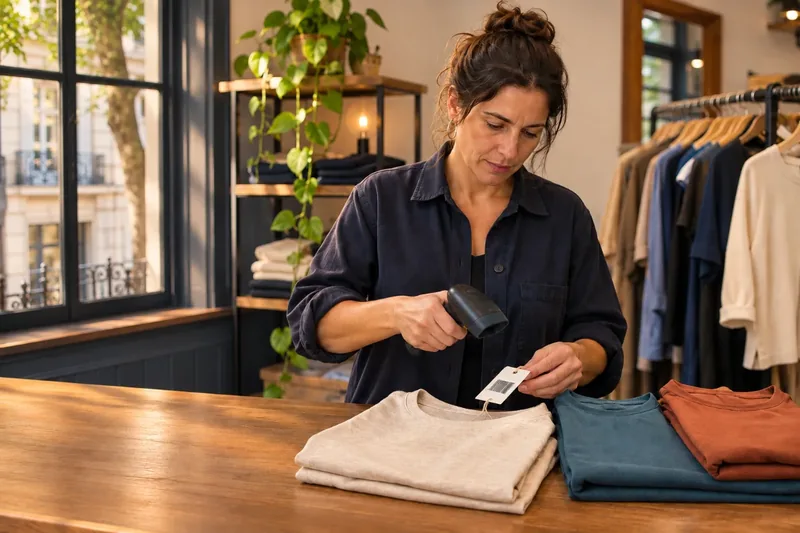
- Look up the variant. Find the jeans and choose size 40. Those four pairs are all that size and color.
- Record the sale. Selling a size 40 leaves three in that size and six in size 42. For a gift, you can issue a gift receipt with prices hidden.
- Record the exchange. If the jeans come back in resalable condition and the customer takes a size 42, return the 40 to stock and deduct the 42. You'll have four and five pairs left, respectively.
| Color and size | Stock |
|---|---|
| Indigo · 40 | 4 |
| Indigo · 42 | 6 |
What if the customer picks a different item?
Apply the exchange value to the new sale, collect the price difference or issue store credit as appropriate. The exchange stays linked to the original sale.
See the full example in the inventory guide
Which sizes to reorder while the style is still in stock
Five pairs of white sneakers are on the shelf. Four are size 38 and one is size 39. If your target is three pairs of each size, order two pairs of size 39. The total for the style hides that shortage. Count by size and color before ordering.
Restocking worksheet by size and color
Replace the two examples with your styles, sizes and colors. Enter how many you have, how many are on order and your target quantity. The To order column calculates what to buy for each variant.
Download the restocking worksheet (Excel)| Size | Available | To order |
|---|---|---|
| 38 | 4 pairs | 0 |
| 39 | 1 pair | 2 pairs |
Target for this example: three white pairs of each size.
How to check your size mix when a delivery arrives
Say you ordered twelve black T-shirts in one style: two S, four M, four L and two XL. Twelve shirts arrive, but you find five M and three L. The total is correct even though one L is missing. Sort the items by size before putting them out and compare each group with the purchase order.
In VenVenta, identify each variant by style, size and color. Agree on one catalog name if your supplier uses a different name for the same shade. Calling the same item both midnight blue and navy can split stock between two records, making checkout and reordering harder.
How to count a pair when one shoe is in the window
Shoe stores often display one shoe and keep its mate in the box. Count complete pairs of matching sizes and colors. If you find four size 39 boxes, check whether one contains the mate of the display shoe before counting that display separately. Customers need to know how many complete pairs they can take home now.
Use the restocking worksheet to compare the count with your target by size. If one pair is left and two are on order, put those two in On order to see how many more you need. Move them to Available when they arrive so each pair is counted once.
How to handle a gift exchange from start to finish
Issue a gift receipt with prices hidden. When the recipient returns, find the original sale and check the variant. Inspect the item before returning it to available stock. Then choose the size and color the customer takes. If they choose a different style, check the price difference with them before completing the exchange. That records both the item returned and the item taken.