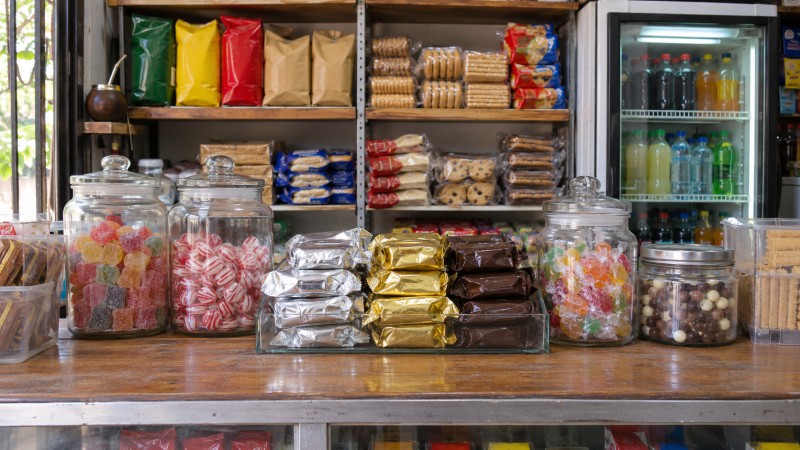
A convenience store sale in Quick Sale
A customer asks for two small waters and an alfajor. In the demo, search for Mineral water, choose the 500 ml bottle and add two. Then add a chocolate alfajor and simulate payment. Names and package sizes help everyone at the counter choose the same item.
What to reorder
Keep half-kilo packs of yerba mate separate from kilo packs. Check the stock of each size before ordering. A full-looking shelf can still be short of small packs.
| 500 ml water | Bottles |
|---|---|
| In the fridge | 8 |
| In the stockroom | 4 |
| Weekend target | 24 |
| Bottles needed | 12 |
If the supplier ships cases of six, order two cases. Count the fridge and stockroom together before buying.
How to receive a case you sell by the unit
Three cases of twelve alfajores should contain 36 units. Open the packaging and check the format. A triple-layer alfajor may share a flavor with the single-layer one while carrying a different label. Set damaged units aside and record the discrepancy when checking the delivery. Count the units you can actually sell.
What to do if a barcode pulls up the wrong product
Check the name and size in Quick Sale before scanning another unit. For a damaged label, look up the item by name or code and check the size on the receipt. Correct the barcode after the rush so the next shift finds the right item.
How to record a sale the customer pays for later
Select the regular customer's account when recording the sale on credit. When they return to pay, check their balance in VenVenta and record the payment. Stock is deducted once, and the later payment is linked to the customer.