
When AI helps
Measure the outcome according to the task. For a promotion, count the inquiries it generates. For a quote, measure the work it takes to get it ready to send.
Attracting customers
Draft a social post, a product description or several versions of a promotion.
What to measure. Count inquiries answered, reservations and sales. Ask how customers found you or use a code in the post.
Doing day-to-day work
Organize a hastily written order, turn invoice lines into a draft or find products that need attention.
What to measure. Measure time through completion, including corrections. A three-item draft can save you from retyping the order.
When a promising demo falls short
An AI label can draw interest. If the customer has to repeat the question or you rewrite the entire draft, there's still work to improve. Test a typical case and one with missing information.
Use a template for repeat replies, your system to calculate totals and AI to interpret messages, extract data or draft texts that vary by case.
Tasks to start with
Start where you spend the most time searching, copying or writing. Each use needs a source you can check and a result you can act on.
Customer service and promotion
Draft a reply or post using confirmed prices, hours and terms. Check validity and stock before publishing or promising delivery.
Sales and quotes
Turn a message or voice note with several items into a draft. Compare customer, variants, quantities, units and prices with the order and current price list.
Purchasing
Extract invoice lines to prepare a purchase order. Check the supplier, items, packaging, quantities and costs against the original before confirming.
Inventory
Ask which products are below their recorded minimum. Confirm stock and incoming purchases before deciding how much to reorder.
Incoming and outgoing payments
Ask for a summary of outstanding items and decide which to review first. Reconcile recent transactions before chasing a balance or approving a payment.
From a stock check to a purchase order
A convenience store has 3 packs in stock and a minimum of 6. The assistant flags the shortage. Before ordering, the manager sees 4 packs due tomorrow. They can wait if the 3 packs will last until delivery and the supplier confirms the date.
To decide what to buy, check the result against incoming orders and expected sales before they arrive.
Examples by industry
Pick the example closest to your business and substitute the information you use at work.
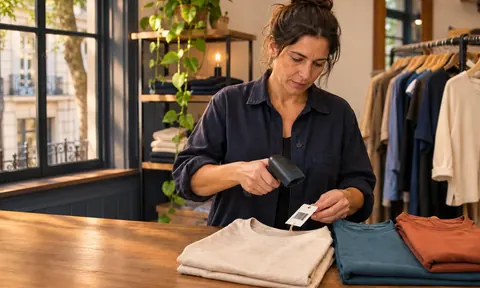
Clothing and footwear
Organize an order for two black size M T-shirts and one pair of indigo jeans in size 42. Check stock for each variant before reserving it.
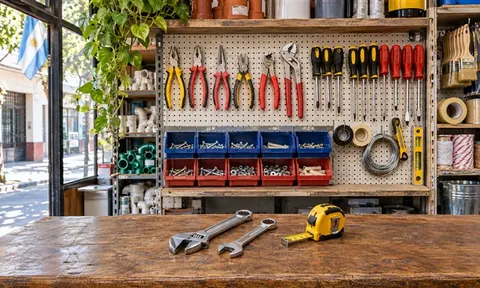
Hardware stores
Draft a quote from a voice note asking for 20 meters of cable and 10 junction boxes. Ask for any missing sizes before quoting.
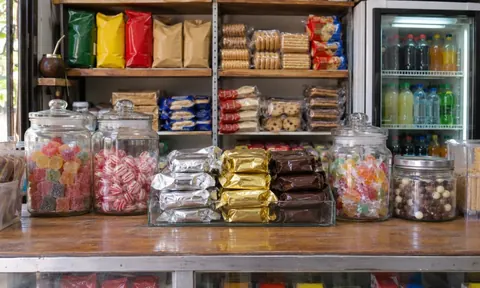
Convenience stores
Find drinks and snacks below minimum stock. Check whether your supplier sells by the unit, pack or case before ordering.

Bakeries
Turn an order for 24 croissants and 2 kg of bread into a draft. Check the pickup time and shift capacity before accepting.

Produce stores
Extract invoice lines. Check what you buy by the crate and sell by the kilo. Confirm the received weight before updating stock.
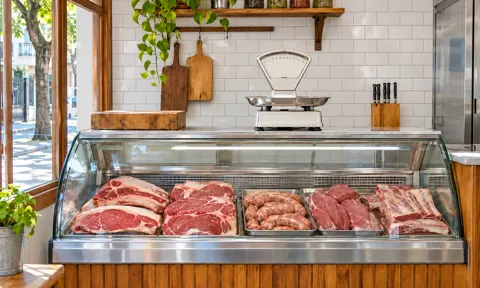
Butcher shops
Organize an order with three cuts. Calculate the price from actual weight and price per kilo when preparing the sale.

Other stores and services
Draft a quote with separate materials and labor. Confirm scope, validity, deposit and date before sending.
Six AI tools for your store
Choose based on the task that takes the most time today. Start with fictional data, public information or business data you're authorized to share. Check what your plan includes before using a feature in daily work.
-
Customer service and writing
ChatGPT
Turn rough notes into draft replies, pickup notices or product descriptions. For a clothing store, supply the approved exchange rules and ask for a short WhatsApp reply. Review it and save it as a team template.
-
Ad design
Canva
Magic Design suggests editable layouts from text or images. For a bakery promotion, supply your own photo and approved copy. Adapt the design to your brand and confirm the price, date and terms before publishing.
-
Social video
CapCut
Generate automatic captions from audio. Film your produce store packing an assortment, check the captions for products and prices, and export it for social media. Use footage you own or have permission to use.
-
Competitor research
Perplexity
Summarize public information with source links. For example, compare publicly listed delivery terms from three hardware stores. Open the links, note the date and flag any missing details. You can also see what businesses advertise in the Meta Ad Library.
-
Catalogs and staff training
Gemini Notebook (formerly NotebookLM)
Ask questions about your sources and follow citations back to the documents. Upload public product manuals, for example, and create a reference for counter questions. Open the citation and verify the manual before making a recommendation.
-
Sales analysis
Gemini in Google Sheets
Explore data, suggest formulas and create charts on a supported plan. Start with weekly totals by category and leave out customer data. Ask for a four-week comparison, check the spreadsheet numbers and decide which category to investigate.
How to use them alongside VenVenta
A bakery wants more weekend orders. It checks availability in VenVenta and defines the terms. It uses ChatGPT to draft copy, Canva to design the ad and CapCut to edit a video if needed. It records sales in VenVenta and compares orders attributed to the promotion with its cost and preparation time.
A hardware store uses Perplexity to check delivery terms published by other stores. It then compares options in a spreadsheet using its own orders and costs. If it offers delivery, it can start with one area and track how many orders it completed and at what cost.
Start with approved text, authorized photos or the totals you need. Verify catalog, prices and transactions in the system where they're recorded.
How to prompt and review
State the task, what data to use, the desired format and how to handle missing information. Ask the tool to flag questions so you can resolve them together.
Organizing an order
Organize this order in a table with product, variant, quantity and unit. Flag missing sizes or quantities for confirmation. The order is for 2 black size M T-shirts and 1 pair of indigo jeans.
The result should list both shirts and flag the missing jeans size. Ask the customer which size they need, then return to the same draft.
Writing a pickup message
Write a two-line WhatsApp message to say the order is ready. It can be picked up at the store today from 4 to 7 p.m. Use a friendly tone and leave out prices or terms that I haven't provided.
Before using the result
- Share only what's needed. For a trial, use fictional data or replace names, phone numbers and addresses with placeholders. Use tools approved by your business for internal information.
- Check the source. Verify details that can change or have consequences. Check prices and validity, weights and units, catalog matches, recent payments and document numbers to avoid duplicates.
- Decide who approves. The responsible person reviews before sending a message, saving a transaction, changing stock or making a payment. Fill gaps in the original information before proceeding.
Reference on errors and privacy in generative AI. NIST Generative AI Profile.
Protect accounts, data and devices
When introducing AI, decide who's allowed to use each tool, what they can share and whom to tell about a missing device or unusual access.
VenVenta sign-in
In My account → Account security you can enable two-factor authentication with an authenticator app or security key. Keep recovery codes somewhere safe, separate from your sign-in device.
Give each person an account and a role that fits their work. The assistant follows the user's permissions. Users review and confirm transactions in the form. See how secure sign-in works in VenVenta.
Data in external tools
Prepare a copy with just the information needed. For sales analysis, use category totals. Keep passwords, access keys, card details and identifiable customer data out of external chats and files.
Before uploading internal information, check how the provider stores and uses it and who can see it. Enable two-factor authentication where available and grant only the permissions the tool needs. Start with Security · FTC (Spanish).
Physical security in your store
Enable automatic locking on checkout devices, computers and phones. Sign out of shared devices at the end of a shift. Keep backup security keys, records and devices away from public areas.
If a device goes missing, tell the responsible person and check which accounts were open so sessions can be ended or access revoked where appropriate. Physical security for small businesses · FTC (Spanish).
Confirm payment requests through a separate channel. If a voice note or message asks you to change a supplier's bank account, confirm with a contact already on file. Guide to phishing messages · FTC.
How to measure results in seven days
Days 1 and 2 · Measure your usual process
Pick a recurring task, such as quoting orders with several items. Record how long it takes from receiving the order to having a quote ready to send, along with any errors.
Days 3 to 6 · Try it with AI
Use similarly difficult orders. Start timing at the same point and include pasting or dictating, checking, correcting and finishing. Record what you fixed and when you switched back to manual entry.
Day 7 · Compare the results
Compare typical time per completed task, errors and unfinished cases. Adopt the use if it saves effort and maintains quality. If corrections use up the savings, improve the input or try another task.
What to record for each case. Date, task, method (manual or AI), total minutes, corrections and outcome (complete or pending). Use the same record for both methods.
Calculate the weekly difference
Use completed-task times that include review and corrections. The starting values are an example.
Going from 8 to 5 minutes per reviewed task, at 12 tasks a week, saves 36 minutes per week.
How to try it in VenVenta
The integrated assistant can draft sales and quotes from written or dictated orders, prepare purchase orders from invoices and look up low stock or balances using your team's permissions. You review the result and confirm transactions in the form.
Try an order with two products already in your catalog. Ask the assistant to draft the sale and compare it with the order. If you make corrections, see how long they take before saving.